

Logging into Airbnb for the first time? Airbnb has a user-friendly interface that’s accessible on desktop and mobile. You can also visit localized versions of Airbnb’s site, which offer the same content and functions translated into many different languages. If you’re using a mobile device, you can download the Airbnb app for iOS or Android, or you can access Airbnb’s website on your mobile browser. Both Airbnb travelers and Airbnb hosts use the same website and mobile app; there is no separate website or app specifically for hosts.
Creating an Airbnb Host account
Before you can log into Airbnb or list your properties, you need to create an account. If you already have a traveler account on Airbnb, then you don’t need to create a new one to use Airbnb as a host. Creating an Airbnb account is free.
How to create an Airbnb account on desktop:
-
Go to Airbnb.com
-
Click “Sign Up.”
-
Create your account using your email address or phone number and a secure password.
-
Alternatively, you can connect your existing Facebook, Google, or Apple accounts, which means you won’t have a username and password unique to Airbnb.
-
-
Check your email for a link to verify your account or a text message verification code.
-
Get ready to build your first listing!

How to create an Airbnb account on the Airbnb app:
-
Open the Airbnb app.
-
Tap “Log In,” then tap “Sign Up.”
-
Create your account using your phone number and a secure password.
-
Alternatively, you can connect your existing Facebook, Google, or Apple accounts, which means you won’t log in with your phone number and password.
-
-
If you used your phone number, watch for a text message verification code to confirm your account.
-
Get ready to build your first listing!

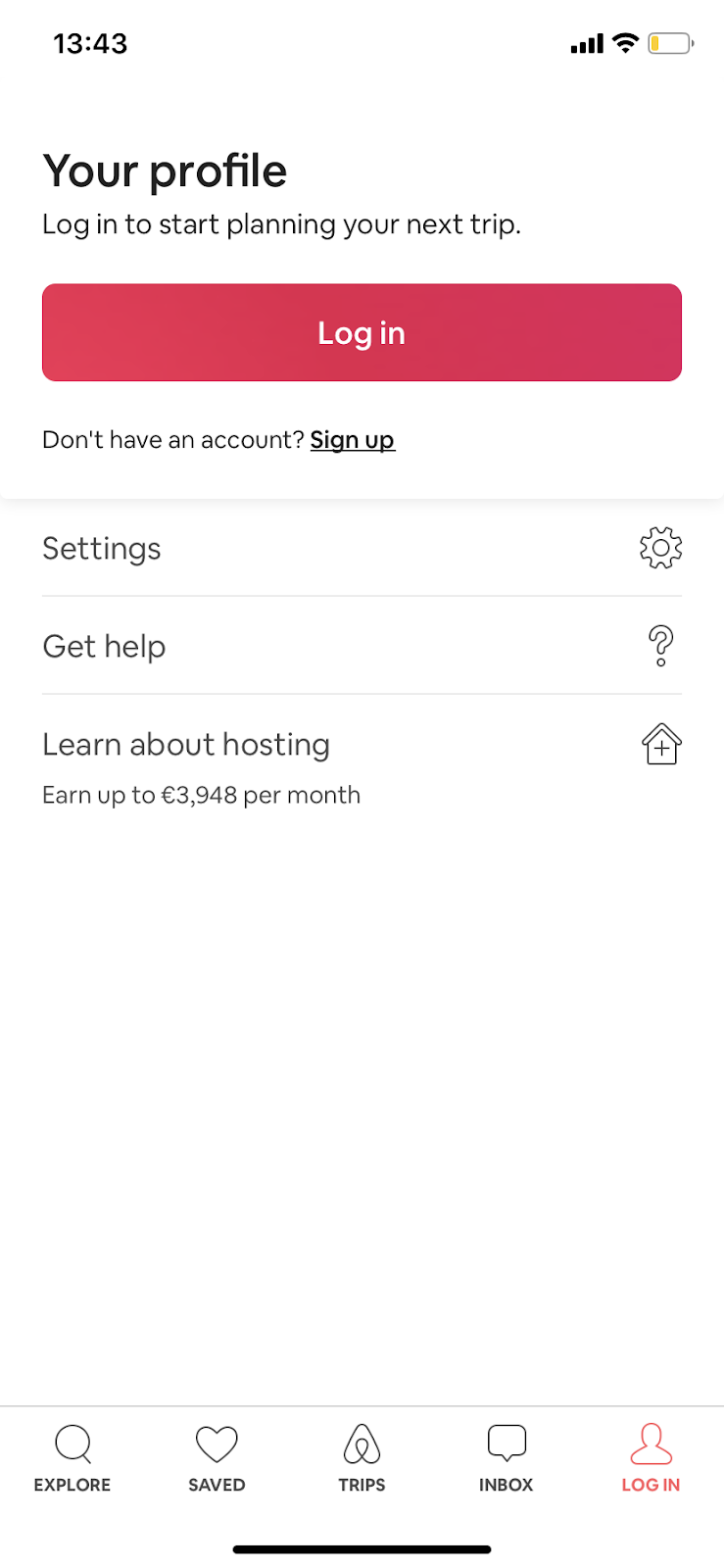

If you aren’t sure if you have an Airbnb account already, try to create a new account. An error message will pop up if an account already exists with your phone number or email address.
Logging into your Airbnb Host account
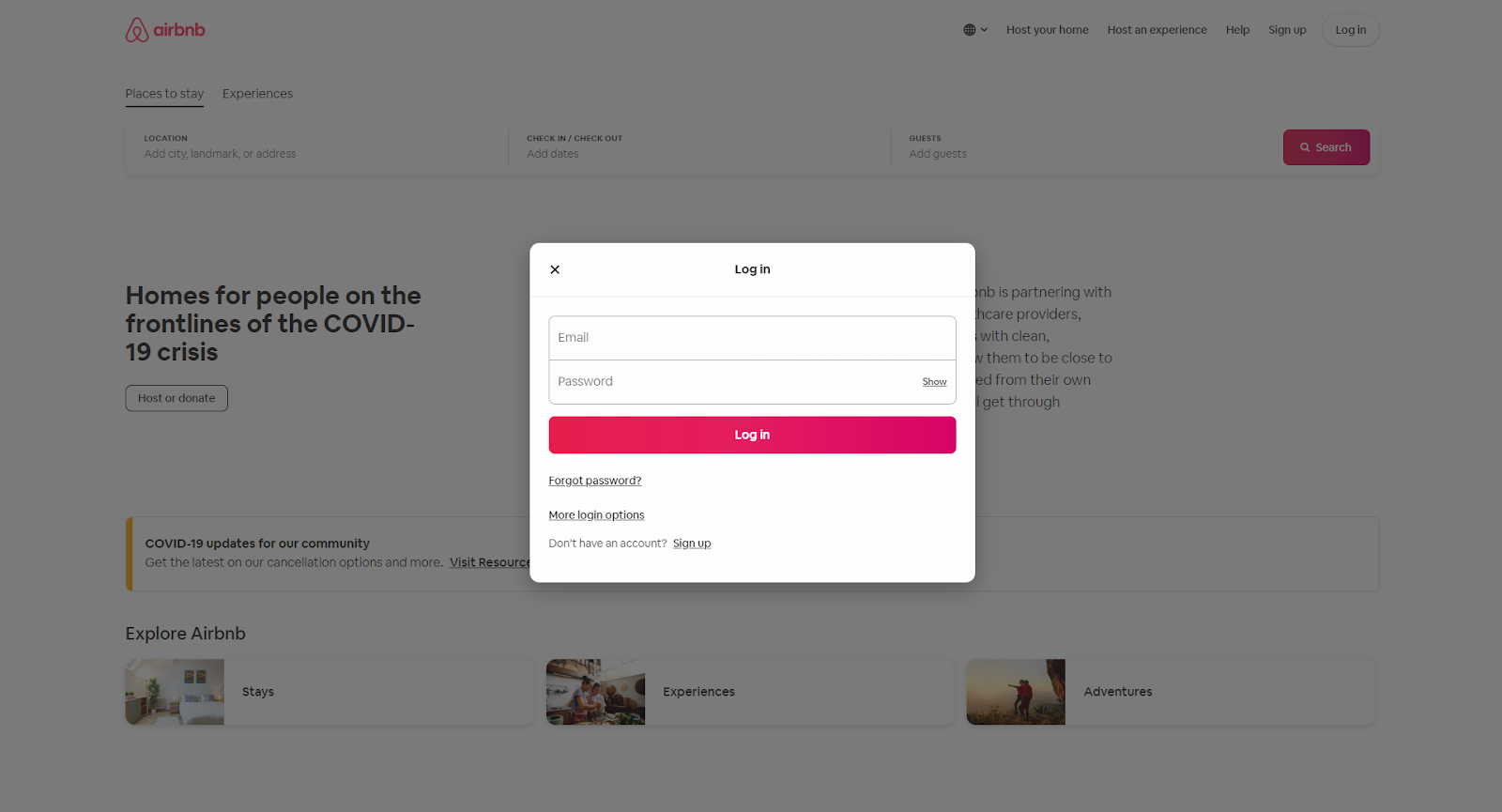
Once you’ve built your Airbnb account, then you can log in. You can access your account on desktop, mobile web, or Airbnb’s mobile app.
How to log into Airbnb as a host:
-
Go to Airbnb.com or open the Airbnb app.
-
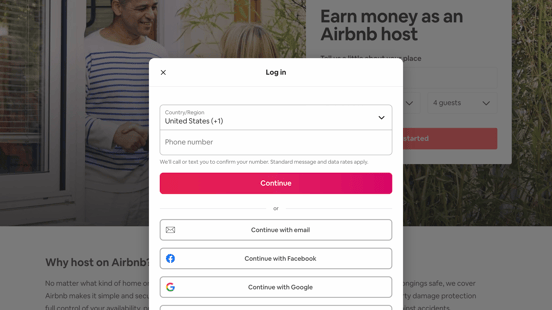
Click “Log In.”
-
Enter your email address or phone number and your Airbnb password.
-
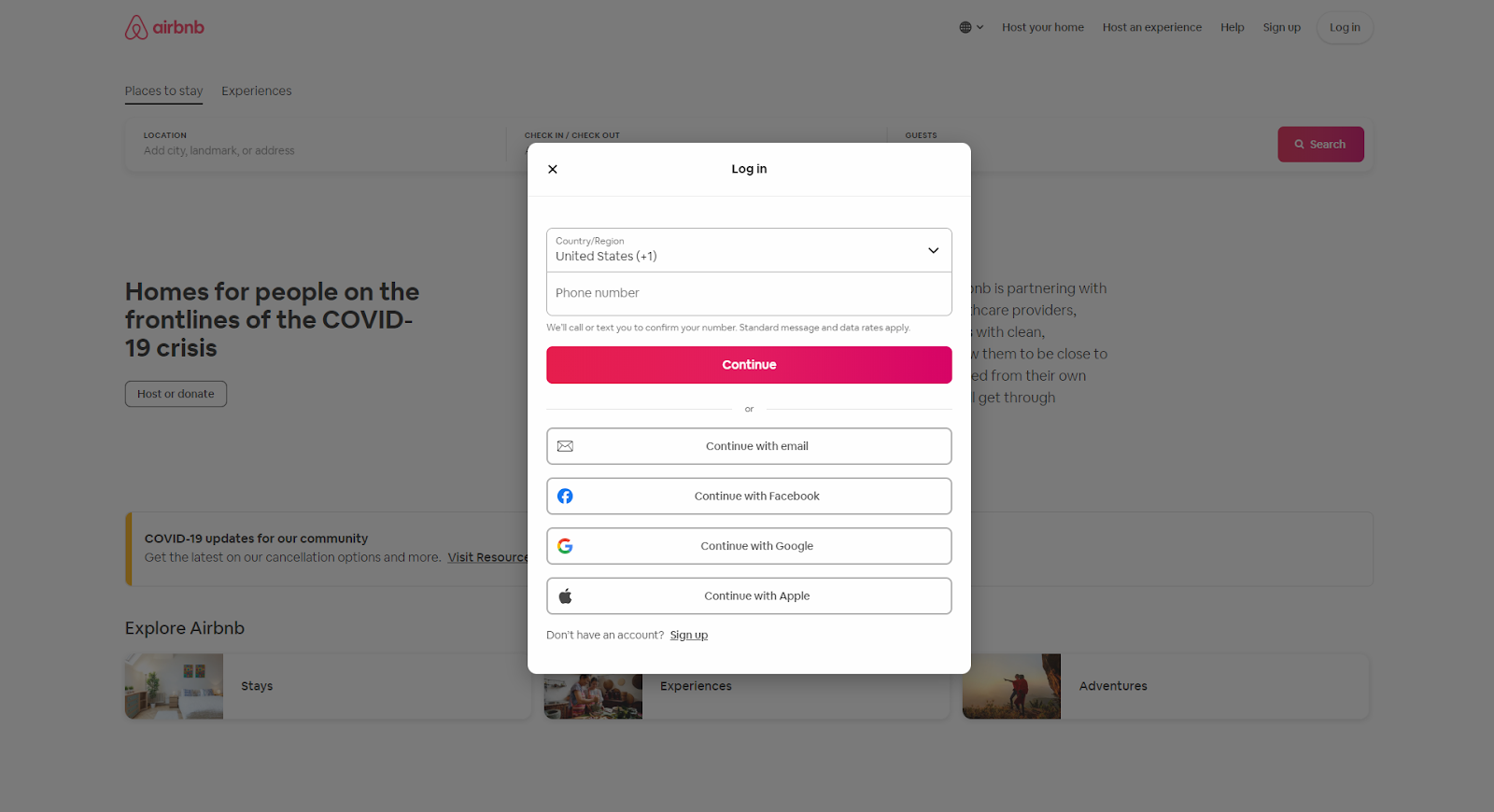
If you created your account using a Facebook, Google, or Apple account, then click “More login options” and click the corresponding option.
-
-
If you’re logging in on a new device, you might need to confirm your account with an email or text message verification code.
-
You’re in!
Troubleshooting tips
Having trouble logging in? Or are you receiving an error message? Try these handy tips to log into your Airbnb account successfully:
-
Double check that you’ve entered the correct email address or phone number.
-
Double check that you’ve entered the correct password.
-
Try logging in via Facebook, Google, or Apple if your email address or phone number doesn’t work.
-
Clear your cookies.
-
Access the site in an incognito window or private browsing mode.
-
Check your email for messages from the Airbnb team; sometimes Airbnb deactivates accounts if they suspect fraudulent activity.
If you’ve forgotten your password, don’t worry! Airbnb can send a password reset link to your email address. Simply click the “Forgot Password?” link on the login screen, then you’ll be prompted to enter your Airbnb email address. Just a moment later, you’ll receive an email containing a password reset link.

Recommendations for managing your Airbnb account
In general, Airbnb is a safe platform, but you can always take steps to keep your information secure and use the site responsibly. If you’re using Airbnb as a host, then keeping your account secure is even more important, since your account contains sensitive contact information and financial information for yourself and your guests. Use a strong password that is not easily guessable, and be sure to take note of it in a safe place or in an online password keeper. Also, try not to share your password with anyone.
If you’re using an email address, Facebook account, or other account to log into Airbnb, make sure you do not lose access to that account. Airbnb sends important notices and guest communication to your email address on file - as well as password reset links - so losing access to that email account could mean that you also lose access to Airbnb.
Creating an Airbnb account and logging in are the first steps to using Airbnb as a host or traveler. Now that you know how to log in, you’re ready to use the platform!
More helpful content and tips for Airbnb Hosts:
Listing on AirBnB (everything you need to know)