



Need help with your Airbnb listing or account? Even the most seasoned hosts need support on topics like payouts, cancellations, taxes, or Airbnb offers several ways to get answers and resolve problems. Between self-service, chat, or phone support and Airbnb’s community forum, you will be able to solve any Airbnb issue that comes up.
Self-Service Support
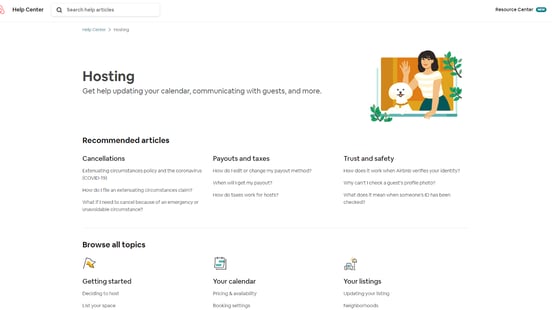
Before you reach out to Airbnb’s support team, see if you can find the answer to your question on Airbnb’s host support page. Using self-service support is the easiest and fastest way to get answers, but this type of support is most helpful if your question is relatively common.
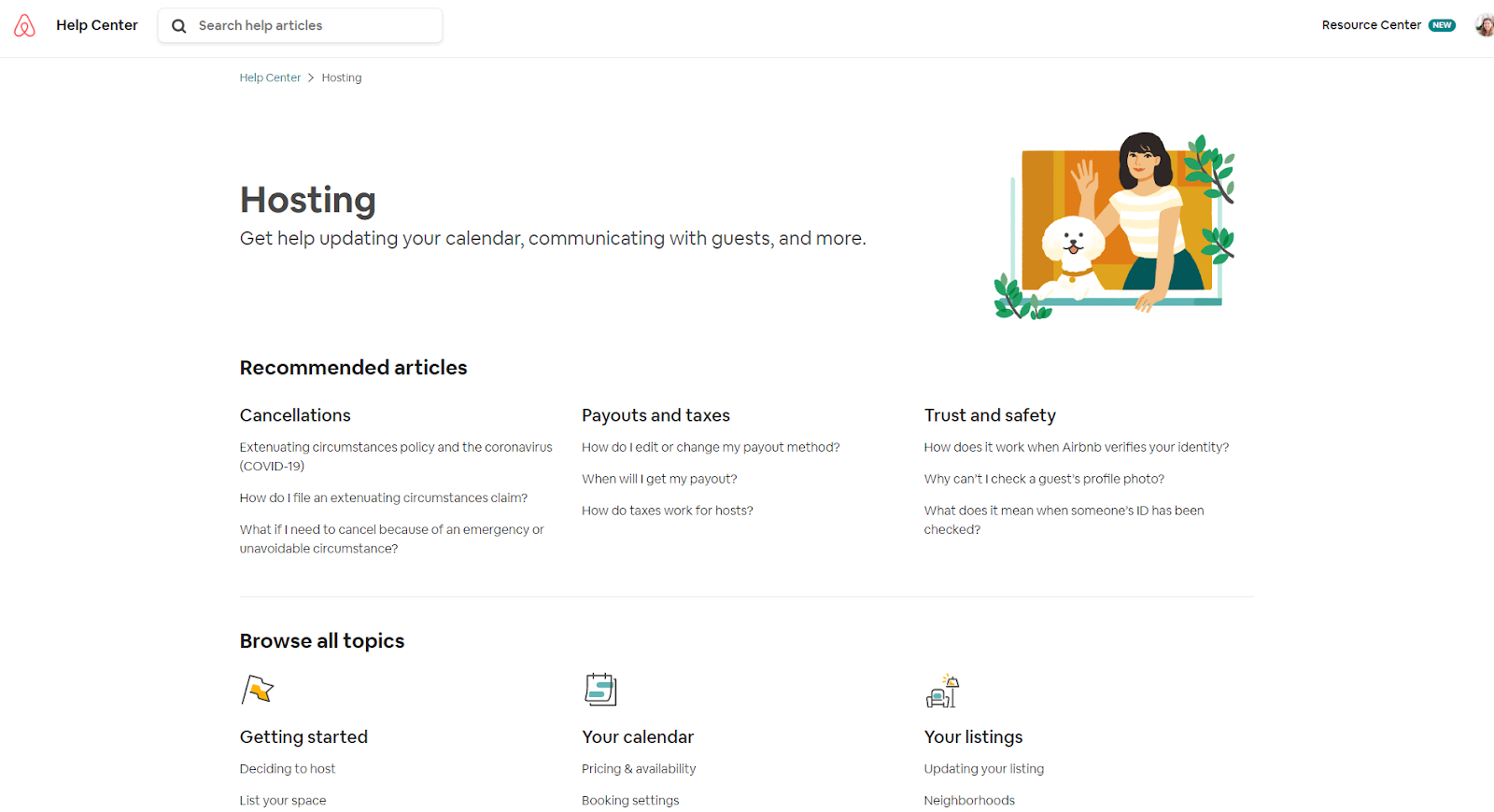
The Hosting Help Center contains lots of great information about reservations, cancellations, payouts, listings, and more. You can find answers instantly to frequently asked questions like “when will I get my payout?” or “how do I cancel a reservation?” without needing to talk to an Airbnb support representative.
If you don’t have a specific question but want to learn more about hosting in general, then you may want to check out Airbnb’s Host Resource Center. This site contains guides and tutorials about how to become a successful host, with advice on everything from decor to cleanliness.
Chat/Message Support
For more specific issues, like technical support or specific questions about reservations, then sending a message to Airbnb’s support team is a good option. In order to use this type of support, you need to log into your Airbnb account first.
Go to Airbnb’s main contact page to start the process of connecting with a support representative. On this page, you’ll be prompted to choose the topic on which you need support.
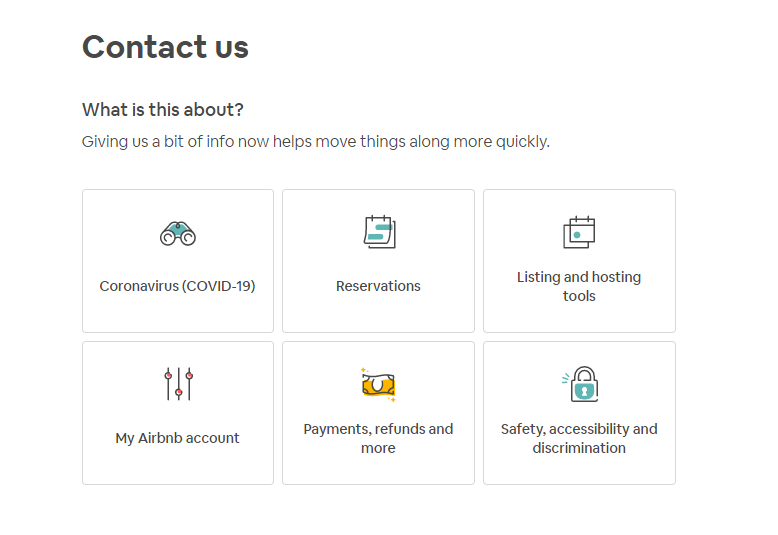
After you’ve selected the topic that fits your question most closely, you’ll be asked to narrow down the topic a bit further. Click “Choose” next to the best option to proceed. If none of the options match what your question is about, then click “It’s something else.”

After clicking “Choose,” you might end up on a screen with links to articles that may be helpful. If these articles don’t answer your question, then click “I still need help.”

Finally, you’ll end up on a screen that offers two options for contacting an Airbnb support representative: chat or phone.

Select “chat with us” to send a message to Airbnb’s support team.

Describe your question or problem in as much detail as you can, then click “Send message.” A support representative usually responds within an hour. Their response will arrive in your Airbnb Inbox, so if you have email, text, or push notifications turned on, you’ll get an alert when you have a response. From there, you can reply to the Airbnb support rep, attach images, and continue the conversation.
Phone Support
Sometimes the best way to resolve a problem is to talk to an Airbnb support representative over the phone. Airbnb offers phone support in many countries and has localized phone numbers that provide the best support in your language. Hosts in the US can call 415-800-5959 or 855-424-7262 to speak with an Airbnb support agent. Hosts in other countries can visit Airbnb’s contact by phone page to see a phone number for their country or language.
Since Airbnb is an extremely popular site, there are always many hosts and guests trying to receive phone support. Note that wait times can vary; it could take several minutes to get connected with a person. Try calling early in the morning or late at night for fastest service.
Community Support
In addition to getting support from Airbnb’s own representatives, hosts can learn a lot from other hosts in Airbnb’s Community Center. This forum is open to all hosts, and hosts from around the world ask questions, share best practices, and offer advice to others.
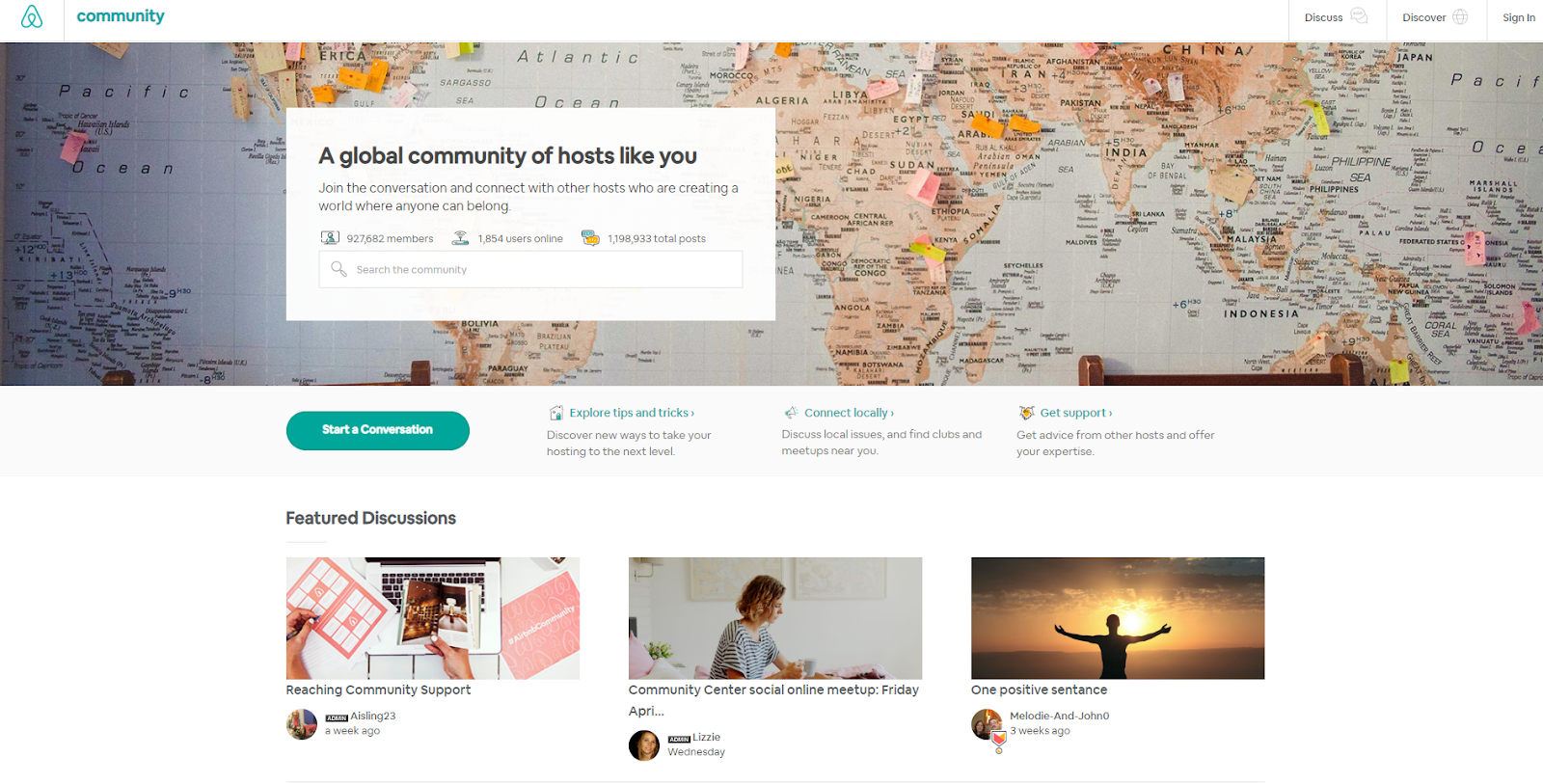
Start by either searching for a specific keyword or topic or just browse the posts. If you can’t find what you’re looking for, then you can click “Start a Conversation” to begin your own thread.
The Community Center also has a page for localized host resources where you can find Facebook groups and meetup events for Airbnb hosts in your city.
When you’re using Airbnb, you certainly don’t need to struggle through problems alone. With chat and phone support, helpful articles, and a host forum, you can find the answers to all of your Airbnb questions.
More helpful content and tips for Airbnb Hosts:
Listing on AirBnB (everything you need to know)